
Best Streaming Setup for Creators: The Ultimate Guide to Building Your Streaming Studio
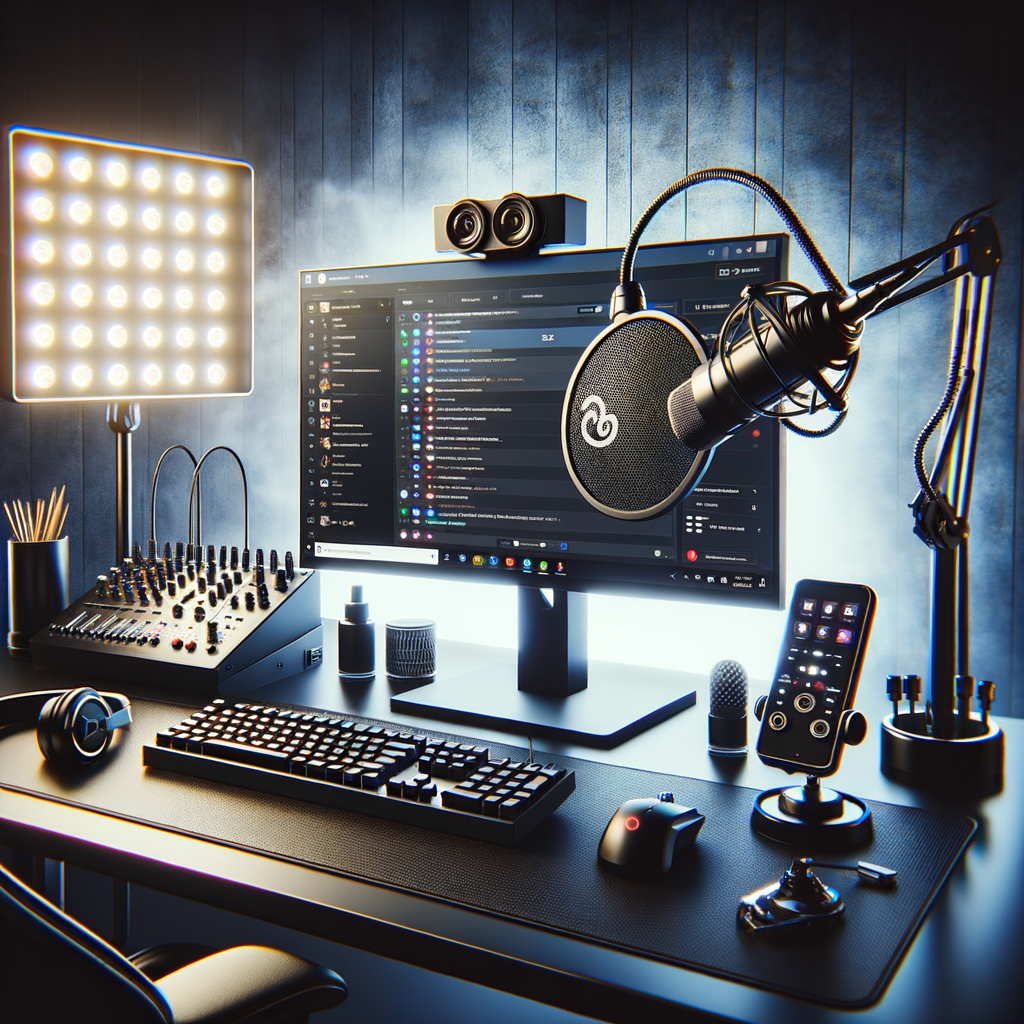
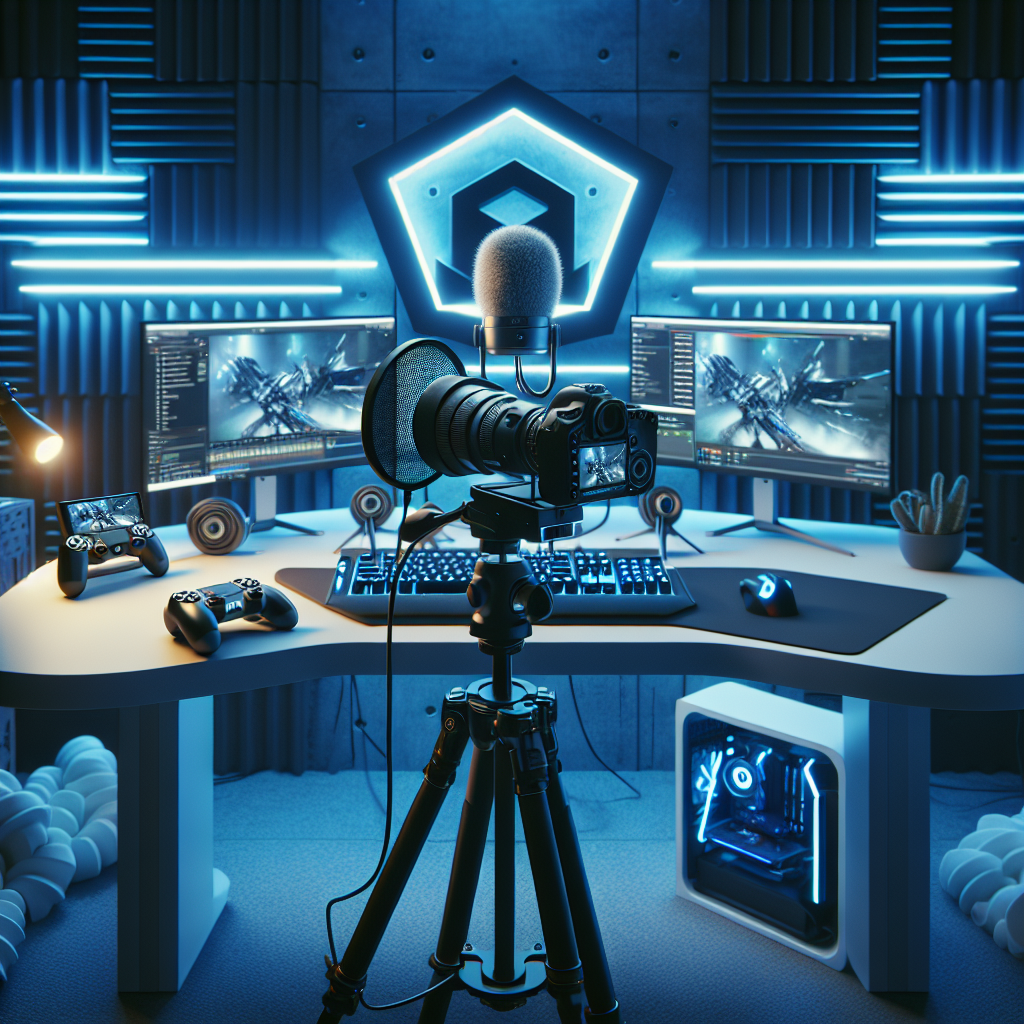
Streaming has become one of the most popular ways for creators to engage with audiences, build personal brands, and even generate income. Whether you’re an aspiring gamer, a musician, a teacher, or a creative entrepreneur, having the right streaming setup can elevate the quality of your broadcast and improve viewer retention. In this comprehensive guide, we’ll explore everything you need to craft the best streaming setup for creators — from hardware essentials to software tips, environment considerations, and advanced gear for maximum impact.
Table of Contents
- Why Your Streaming Setup Matters
- Core Components of a Streaming Setup
- Optional Enhancements to Level-Up Your Content
- Setting Up Your Streaming Environment
- Workflow and Best Practices
- Example Streaming Setups by Budget
- Conclusion
Why Your Streaming Setup Matters
Your streaming setup is the foundation of your broadcast. It impacts the quality of audio and video, your ability to interact with viewers, and ultimately your credibility as a creator. Poor video resolution, blurry visuals, or muffled audio can all make viewers leave within moments. On the other hand, a polished and professional-looking stream invites viewers to stay longer and engage more. The right setup helps you maximize production value without overwhelming complexity or cost.
Investing time and resources in building a quality streaming setup means:
- Better video and audio quality
- Smoother, more reliable streams
- Easier, more efficient content creation
- Opportunities to monetize and grow your audience
Core Components of a Streaming Setup
1. Computer: Power Behind the Stream
Your computer is the most important piece of hardware. It handles encoding, running games or software, webcam feeds, audio processing, and streaming software all at once.
Key Considerations:
- CPU: A strong processor (Intel i5/i7 or AMD Ryzen 5/7+) is critical for encoding and gaming simultaneously.
- GPU: A dedicated graphics card (NVIDIA GeForce GTX or RTX, AMD Radeon RX series) offloads graphics tasks and can assist with encoding using hardware acceleration.
- RAM: 16GB is standard for streaming; 32GB is preferable for multitasking or heavy workloads.
- Storage: SSD storage speeds up load times and reduces lag.
Example Specs for Streamers:
| Component | Recommendation | Purpose |
|---|---|---|
| CPU | Intel Core i7-12700K / Ryzen 7 5800X | Handles encoding & gaming |
| GPU | NVIDIA RTX 3060 / AMD RX 6600 | Runs visuals & hardware encoding |
| RAM | 16GB DDR4+ | Smooth multitasking |
| Storage | 500GB+ NVMe SSD | Faster boot & access times |
Example Use: Streamers playing demanding AAA games while live commentary require a powerful CPU/GPU combo for smooth performance.
2. Camera: Capturing Your Presence
Quality video feeds help your audience connect with you in real time. A good camera enhances your stream’s feel and professionalism.
Options for Creators:
Webcams:
- Easy plug-and-play
- Popular options: Logitech C920, C922, Brio 4K
- Pros: Affordable, simple
- Cons: Limited frame rates and sharpness
DSLR/Mirrorless Cameras:
- High-end quality with interchangeable lenses
- Requires capture card (e.g., Elgato Cam Link)
- Pros: Crisp images, low-light performance
- Cons: Expensive, more setup complexity
Camcorders/Action Cameras:
- Alternative for high-quality video feed
- May need extra hardware for HDMI capture
Key Factors:
- Resolution: 1080p is standard; 4K is a luxury but can boost clarity.
- Frame Rate: Target 30-60 fps for smooth motion.
- Autofocus and light handling capabilities.
3. Microphone: The Voice of Your Stream
An excellent microphone improves communication, making your voice clear and pleasant to listen to.
Microphone Types:
USB Microphones:
- Plug-and-play convenience
- Examples: Blue Yeti, Rode NT-USB Mini
- Great for beginners and intermediate streamers.
XLR Microphones:
- Professional-grade audio quality
- Requires an audio interface (e.g., Focusrite Scarlett Solo)
- Examples: Audio-Technica AT2020, Shure SM7B
- Better sound, more control over audio.
Lavalier or Headset Microphones:
- Useful for hands-free
- Lower audio fidelity but mobile-friendly
Tips for Mic Setup:
- Use a pop filter or foam windscreen to reduce plosives.
- Invest in a boom arm for flexible positioning and desk space optimization.
- Consider audio accessories like shock mounts and soundproofing foam to reduce noise.
4. Lighting: Shedding the Right Light
Good lighting transforms your video quality. It reduces shadows, improves clarity, and helps you look your best on camera.
Lighting Options:
Ring Lights:
- Popular for streaming and content creation
- Provides even, flattering light
- Affordable and simple to use
Softbox Lights:
- Soft, diffused lighting
- Provides a natural look, reduces harsh shadows
- Requires more space and setup
LED Panels:
- Adjustable color temperature and intensity
- Compact and versatile
Lighting Setup Tips:
Use a three-point lighting technique:
- Key Light – main light shining on your face
- Fill Light – reduces shadows on your face
- Back Light – separates you from the background
Avoid harsh overhead lights that create unflattering shadows.
5. Streaming Software: Your Virtual Studio
Streaming software controls your broadcast, overlays, scenes, audio mixing, and chat integration.
Popular Options:
OBS Studio (Open Broadcaster Software):
- Free, open-source, highly customizable
- Supports plugins and multiple scene management
-
- Built on OBS with additional features for streamers
- Integrated alerts, widgets, and themes
-
- User-friendly with premium features
- Has free and paid tiers
Key Software Features to Use:
- Scene switching between gameplay, webcam-only, and intermissions
- Adding overlays with alerts, subscriber info, chat windows
- Audio mixing and noise suppression
- Recording streams locally while broadcasting live
6. Internet Connection: Staying Live and Stable
A stable and fast internet connection is essential for smooth, high-quality streaming without buffering.
Minimum Requirements:
Upload Speed:
- 5 Mbps for 720p@30fps
- 10 Mbps or higher for 1080p@60fps
- 20 Mbps+ for 4K streaming
Prefer wired Ethernet over Wi-Fi for stability.
Test bandwidth regularly and optimize Wi-Fi placement if necessary.
Optional Enhancements to Level-Up Your Content
Capture Cards, Green Screens & More
Once you have the basics down, consider these upgrades to refine your stream further:
Capture Cards:
- Tools like Elgato HD60 S enable capturing from consoles or DSLR cameras via HDMI.
Green Screens:
- Allows virtual backgrounds and effects.
- Professional appearance and immersive content.
Audio Mixers & Sound Boards:
- Fine-tune sound inputs and outputs.
- Essential for multi-source audio management.
External Monitors:
- Monitor chat, alerts, and scene changes without alt-tabbing.
Stream Decks:
- Hardware controllers (e.g., Elgato Stream Deck) to trigger scenes, commands, and media with a button.
Setting Up Your Streaming Environment
The physical environment is just as important as the hardware.
Background:
- Clean, uncluttered, or branded backgrounds improve professionalism.
- Use shelves, artwork, or themed decor related to your content.
Soundproofing:
- Minimize echo and external noise with acoustic foam panels or thick curtains.
Desk Organization:
- Manage cables and position devices ergonomically.
Comfort:
- Invest in a comfortable chair and ergonomic desk setup for long sessions.
Workflow and Best Practices
Creating a smooth workflow saves you from stressful streams.
- Set up your scenes and overlays ahead of time.
- Test audio levels and video quality before going live.
- Use hotkeys for scene transitions to avoid fumbling.
- Interact with your chat — engagement builds community.
- Record streams locally as a backup or for content repurposing.
- Monitor stream health during broadcast (bitrate, dropped frames).
- Take breaks and maintain consistent streaming schedules.
Example Streaming Setups by Budget
Budget Setup Under $500
| Item | Example Product | Approximate Price |
|---|---|---|
| Computer | Existing PC or basic Intel i5 laptop | N/A (use existing) |
| Webcam | Logitech C920 | $70 |
| Microphone | Blue Snowball | $50 |
| Lighting | Neewer Ring Light | $40 |
| Software | OBS Studio (Free) | Free |
| Internet | Wired 10 Mbps | Varies |
Ideal for: Beginners who want to get started quickly without big investments.
Mid-Range Setup $1000-$2000
| Item | Example Product | Approximate Price |
|---|---|---|
| Computer | Custom PC with Ryzen 7 5800X + RTX 3060 | $1200 |
| Camera | Logitech Brio 4K | $200 |
| Microphone | Audio-Technica AT2020 + Scarlett Solo interface | $250 |
| Lighting | Elgato Key Light Air (x2) | $300 |
| Software | Streamlabs OBS (Free) | Free |
| Internet | Wired 50 Mbps | Varies |
Ideal for: Serious streamers looking for clear audio/video and smooth gameplay.
High-End Setup $3000+
| Item | Example Product | Approximate Price |
|---|---|---|
| Computer | Intel i9 13900K + RTX 4080 | $2000+ |
| Camera | Sony A6400 + Elgato Cam Link 4 | $1000 |
| Microphone | Shure SM7B + Focusrite Scarlett 2i2 3rd Gen | $600 |
| Lighting | Multiple Aputure LED panels | $500+ |
| Accessories | Elgato Stream Deck, Green Screen | $350 |
| Software | OBS / XSplit | Free to $20/mo |
| Internet | Wired 100 Mbps+ | Varies |
Ideal for: Professional content creators and full-time streamers.
Conclusion
Building the best streaming setup for creators requires balancing your budget, goals, and content style. Start from the essentials: a capable computer, clear webcam, quality microphone, proper lighting, and reliable internet. From there, customize your gear and environment to suit your unique vibe and audience needs. Remember, authenticity and good content matter most, but don’t underestimate the impact of professional quality on attracting and retaining viewers.
Take incremental steps, test diligently, and engage your audience with confidence. The streaming journey is as much about the tools as the personality and value you bring live. With the right setup in place, you’ll be ready to create memorable, high-quality streams that grow your community and career.
Happy streaming!